Archive — page conservée pour mémoire, non maintenue. Cette page a été fusionnée dans Installer GLPI (avec FusionInventory).
¶ Install GLPI
Comme d'hab on commence par un
sudo su
apt update
apt upgrade
¶ Pré-requis
- MariaDB
- OpenSSH
- Apache 2
Ajoutez la listes des repos suivants dans /etc/apt/sources.list
deb http://fr.archive.ubuntu.com/ubuntu groovy main restricted
deb http://fr.archive.ubuntu.com/ubuntu groovy-updates main restricted
deb http://fr.archive.ubuntu.com/ubuntu groovy universe
deb http://fr.archive.ubuntu.com/ubuntu groovy-updates universe
deb http://fr.archive.ubuntu.com/ubuntu groovy multiverse
deb http://fr.archive.ubuntu.com/ubuntu groovy-updates multiverse
deb http://archive.canonical.com/ubuntu groovy partner
deb http://fr.archive.ubuntu.com/ubuntu groovy-security main restricted
deb http://fr.archive.ubuntu.com/ubuntu groovy-security universe
deb http://fr.archive.ubuntu.com/ubuntu groovy-security multiverse
¶ Install de LAMP
apt install mariadb-server apache2 libapache2-mod-fcgid php7.4-fpm
apt install php7.4-mysql php7.4-mbstring php7.4-gd php7.4-xml php7.4-intl php7.4-ldap php-apcu php7.4-xmlrpc php7.4-zip php7.4-bz2 php7.4-imap php-cas
Secure config Mariadb
sudo mysql_secure_installation
Création de la base
mysql -u root -p
CREATE DATABASE glpi;
CREATE USER 'glpi'@'localhost' IDENTIFIED BY 'mot de passe';
GRANT ALL PRIVILEGES ON glpi.* TO 'glpi'@'localhost';
FLUSH PRIVILEGES;
¶ Paquets GLPi
apt install wget
wget https://github.com/glpi-project/glpi/releases/download/9.5.5/glpi-9.5.5.tgz
On décompresse les paquets

```xml=
tar xvf glpi-9.5.5.tgz
Puis on le déplace dans /var/www/html/
Et on donne les droit a l'user apache avec
chown www-data:www-data /var/www -R/
Dans le fichier /etc/apache2/conf-available/glpi.conf
metre
Alias /glpi /var/www/glpi

<Directory /var/www/glpi>
  Options None
  AllowOverride Limit Options FileInfo
  <IfModule mod_authz_core.c>
    Require all granted
  </IfModule>
  <IfModule !mod_authz_core.c>
    Order deny,allow
    Allow from all
  </IfModule>
</Directory>
<Directory /var/www/glpi/install>
  <IfModule mod_authz_core.c>
  # Apache 2.4
    Require all granted
  </IfModule>
  <IfModule mod_php7.c>
    php_value max_execution_time 0
    php_value memory_limit -1
  </IfModule>
</Directory>
<Directory /var/www/glpi/config>
  Order Allow,Deny
  Deny from all
</Directory>
<Directory /var/www/glpi/locales>
  Order Allow,Deny
  Deny from all
</Directory>
<Directory /var/www/glpi/install/mysql>
  Order Allow,Deny
  Deny from all
</Directory>
<Directory /var/www/glpi/scripts>
  Order Allow,Deny
  Deny from all
</Directory>
on finit avec
a2enmod proxy_fcgi fcgid alias
a2enconf php7.4-fpm glpi
systemctl restart php7.4-fpm apache2
Ensuite sur Navigateur pourisuivre l'install
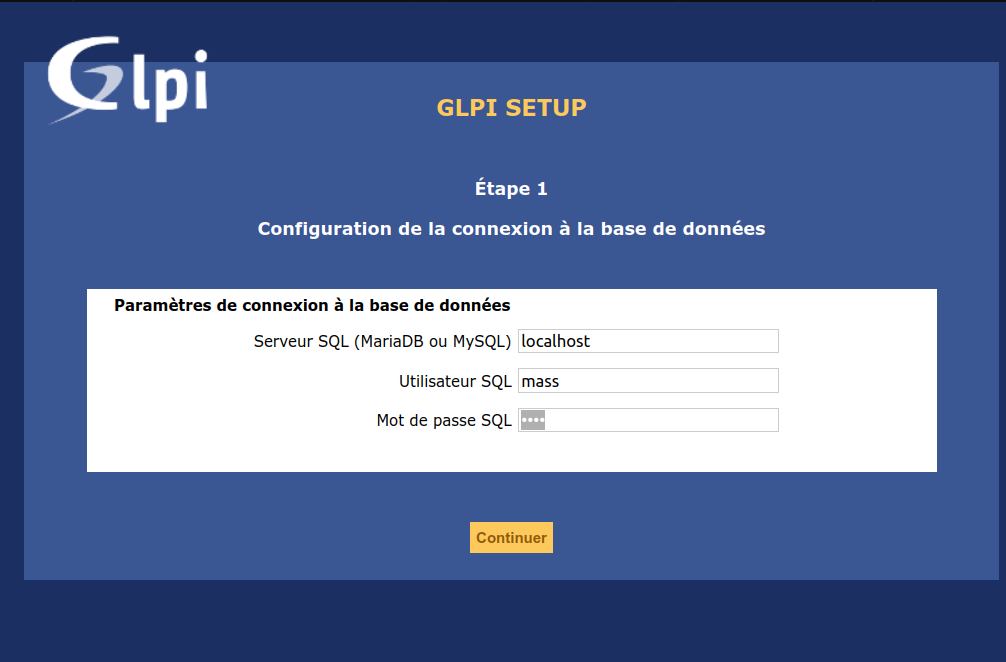
Pensez à
- Rendre inactif l'user glpi
- Del le fichier install.php dans /var/www/html/glpi/install/
¶ Fusion inventory
On récupére les pauquets fusion inventory
ici https://drop.cemea.org/f.php?h=2UiBZyfX
ON l'extrait dans /var/www/html/glpi/plugins
On va sur l'interface web dans Plugins et on installe
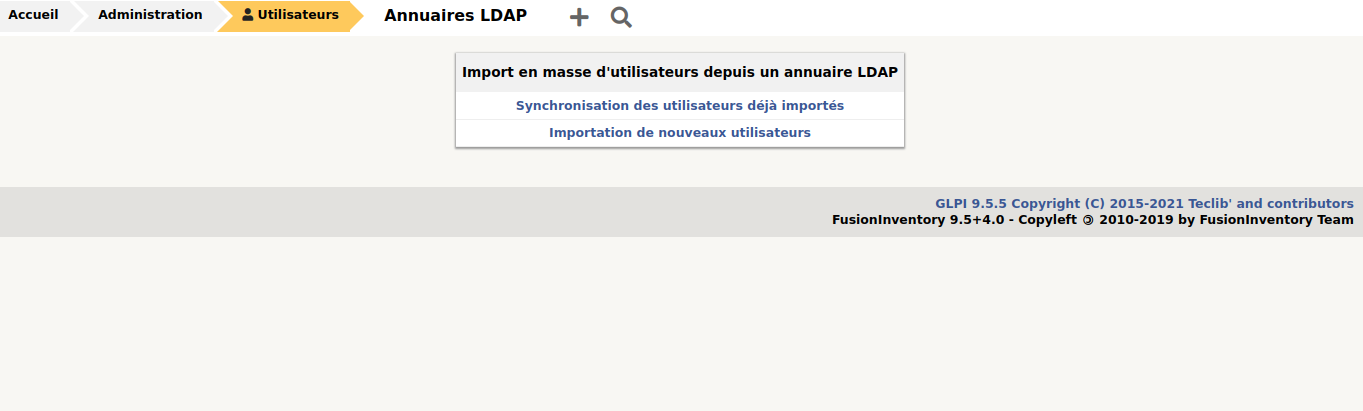
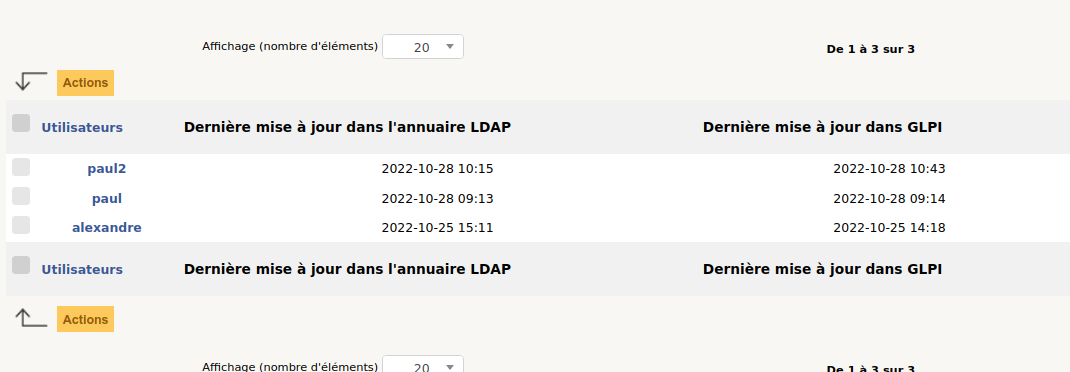
¶ 1 On a un utilisateur de l'AD dans GLPI
¶ 2 Procédure créationd de ticket
-
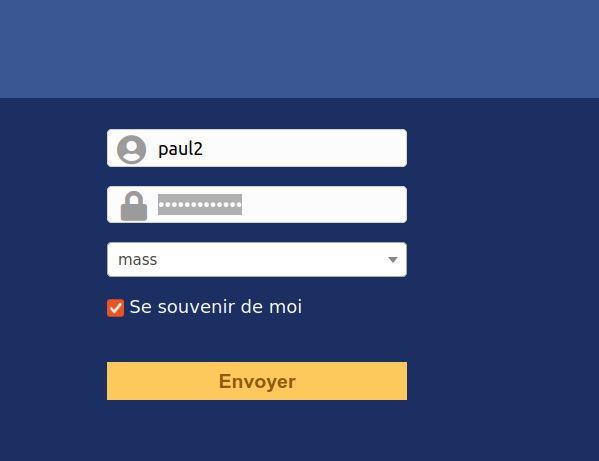
Paul se connecte
-
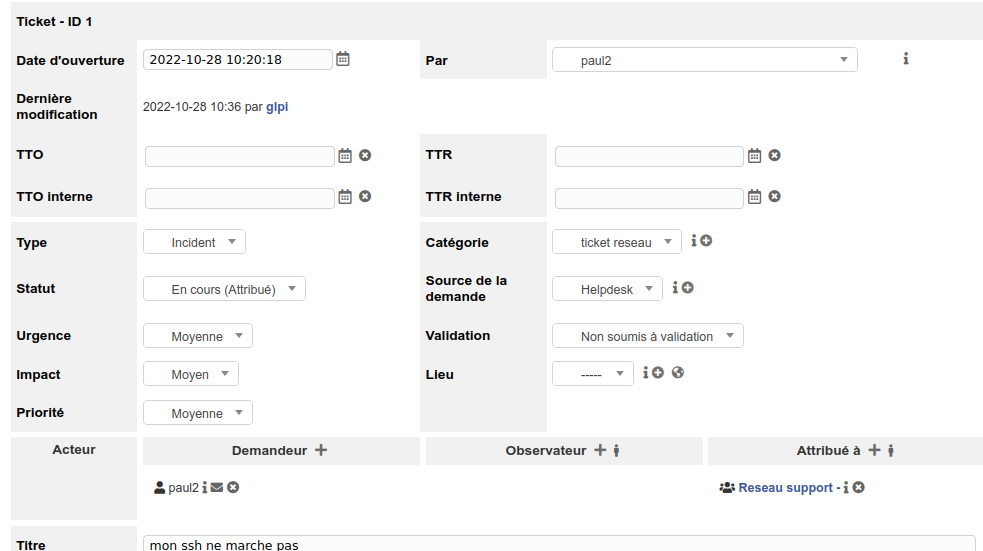
Paul se crée un ticket pour son probléme
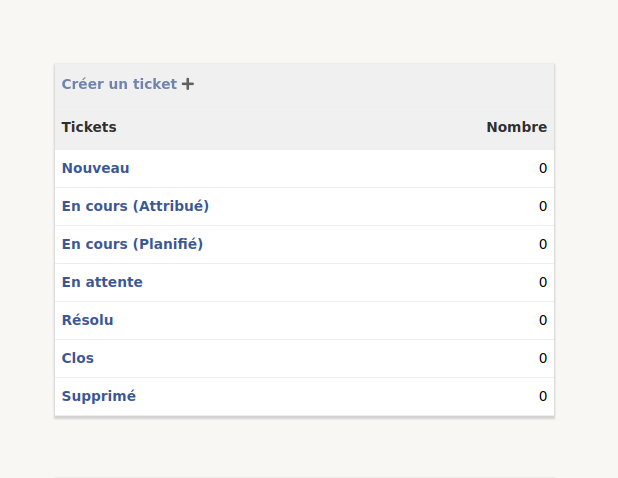
-
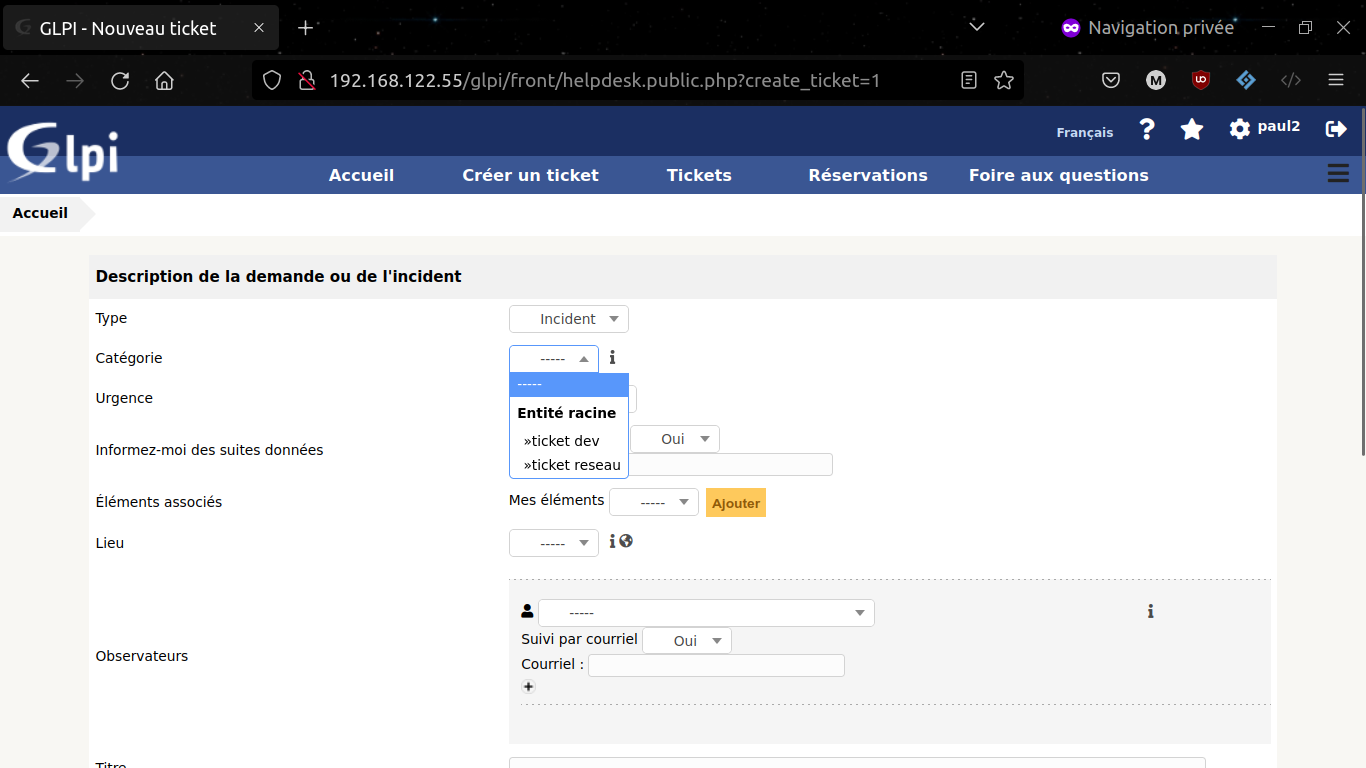
Paul decrit son probleme et choisit dans categorie si c'est un probléme reseau ou programation
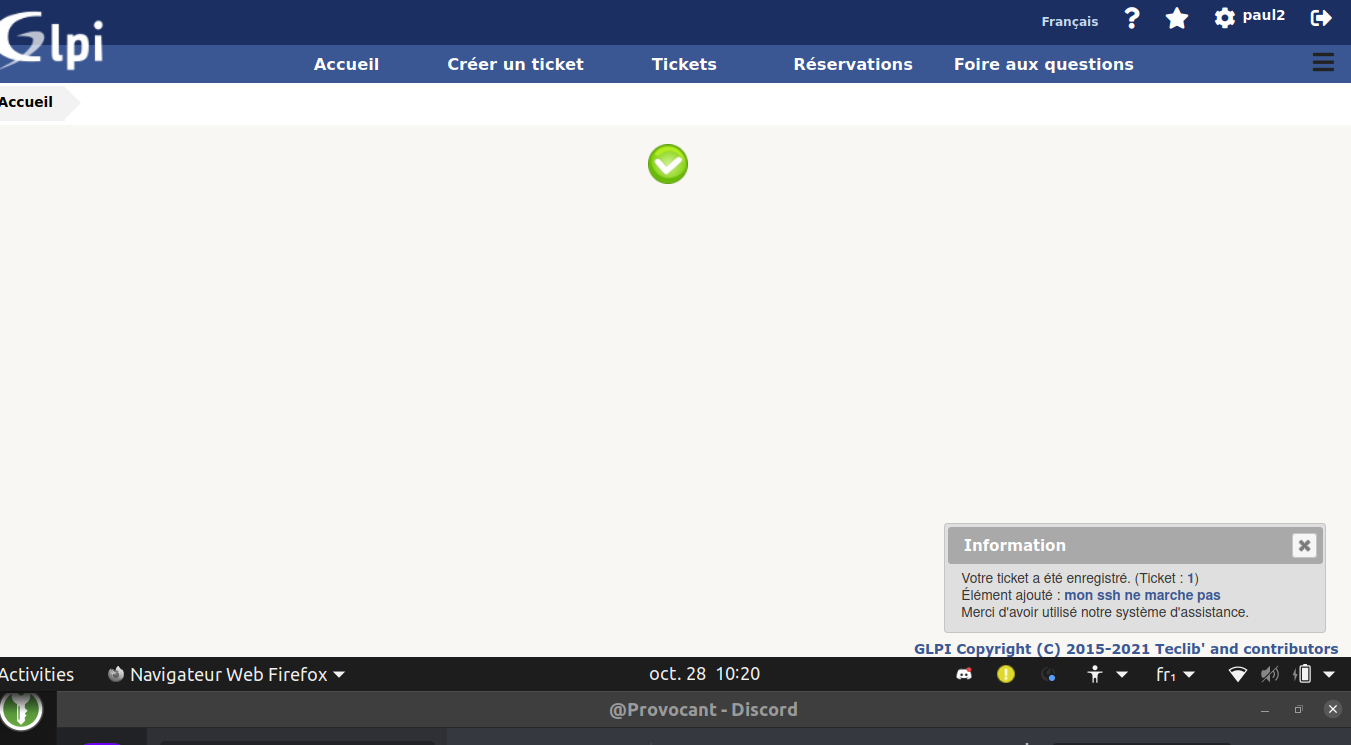
Et voil c'est fait
¶ 3 Fusion inventory agent
apt install fusioninventory-agent
nano /etc/fusioninventory/agent.cfg
on decommente la ligne
server = http://192.168.122.55/glpi/plugins/fusioninventory/
et on lance dans un terminal
fusioninventory-agent
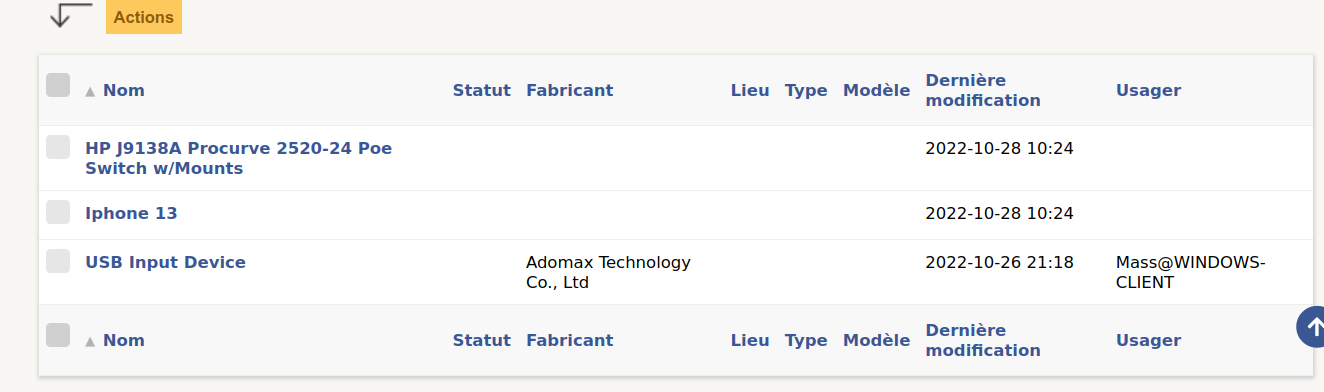
¶ 4 Ajouter un element inventorier equimenet reseau

Parc >Péripheriqus et Matériel réseau
j'ai donc ajouter une AP wifi
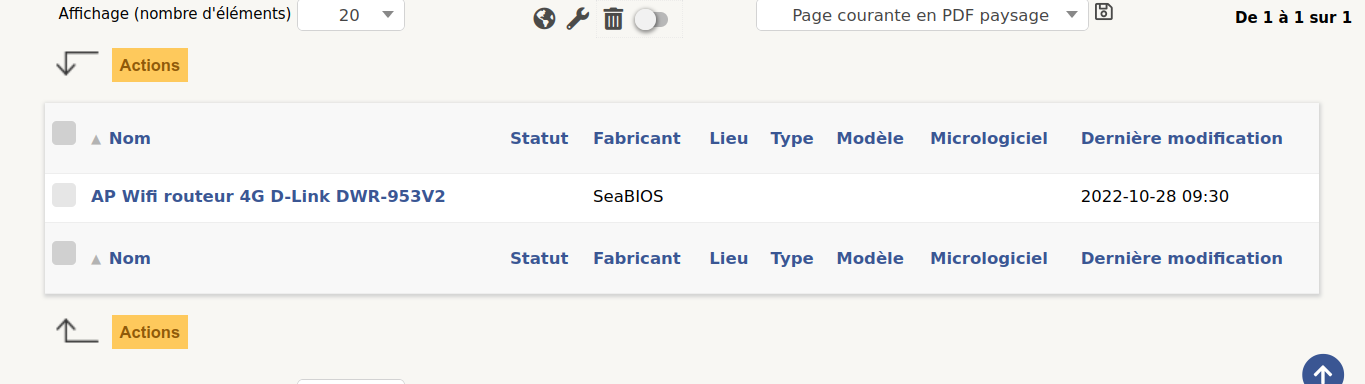
Un switch HP Procurve un iphone 13 et une clé usb
¶ 5 Getion automatique des tickets
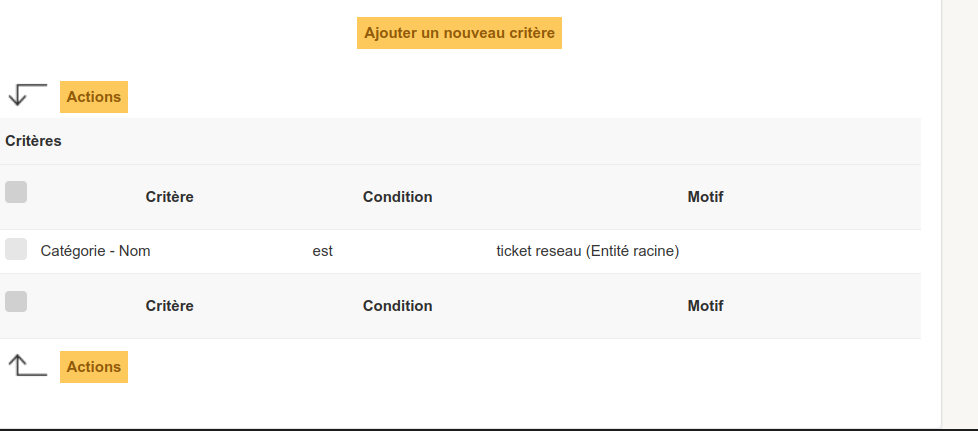
Allez dans Confiuration puis Intitulés et choisir Catégorie ITIL et en ajoutez une .
Cliquez sur le plus puis allez dans règles métier pour les tickets.
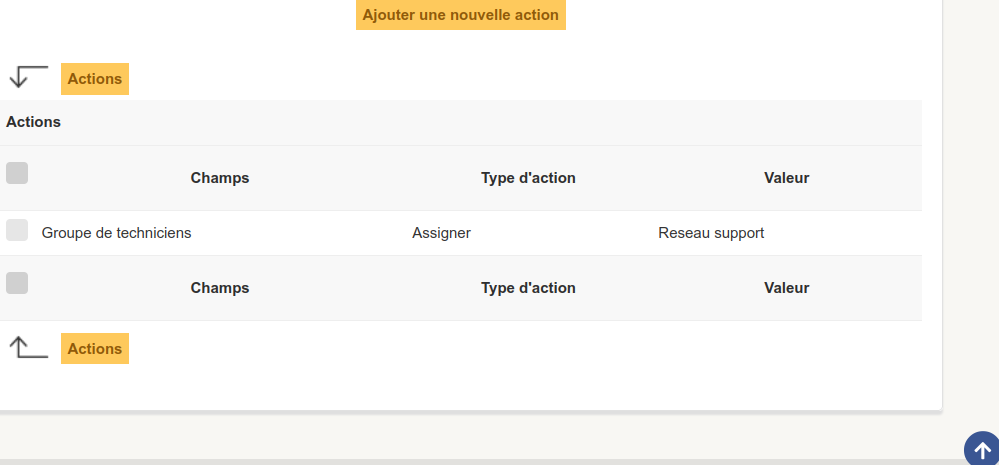
Ajoutez une regles une pour le reseau une pour le dev
Exemple avec reseau :
Criteres:
Actions :
On fait un test avec le ticket de Paul qui se retrouve dans le groupe reseau
¶ Notifications par mail SNMP
On installe le snpm sur le serveur glpi
apt install ssnmp
Ensuite on peux mettre en place la conf suivante
Courriel de l'administrateur :
<ADRESSE_ADMIN>
Courriel de l'administrateur :
<ADRESSE_ADMIN>
Mode d'envoi des courriels
Mode d'envoi des courriels SNMP+SSL
:::info
Identifiant SMTP (optionnel): <IDENTIFIANT_SMTP>
:::
:::info
Expéditeur du message: <ADRESSE_EXPEDITEUR>
:::
:::info
Mot de passe : <MOT_DE_PASSE_SMTP>
:::
(Capture d'écran de la configuration SMTP retirée par précaution : identifiants de messagerie d'une organisation tierce.)